
Photo to Video AI
Use this when you want to turn a photo into a short AI video for Reels, Shorts, TikTok, ads, websites or product content.
Turn images, photos, product shots and AI visuals into short videos for ads, product pages, TikTok, Reels and Shorts. Use Stratboost to create video from an image, make a photo move with AI and keep every version in your Workspace.
Built for product clips, Reels, Shorts, ecommerce pages and campaign visuals.
Start with a still product photo, add a motion prompt and generate a short video for product pages, social posts and ad creative.

Before
Product photo
After
Vertical product ad

Before
Lifestyle image
After
Social video asset

Before
Scenic cycling image
After
Scenic image to motion reel
Create short videos from product photos, AI images and campaign visuals without filming from scratch.
Upload one image, describe how it should move and make clips for ads, product pages, Reels, Shorts and TikTok.
Use a product photo, AI image or campaign visual.
Add a spin, reveal, zoom or camera move.
Try different styles without reshooting.
Keep the videos you want to use again.
People search for image to video in different ways. Stratboost is built for the main jobs behind those searches: photo to video AI, animate photo AI, make a photo move with AI, product photo to video and AI image to video generation.
Upload a photo, describe the motion and create a short video clip for social posts, ads, websites or product pages.
Add camera movement, product motion, atmosphere, reveal movement or subtle animation without filming new footage.
Turn product photos into short videos for ecommerce pages, paid ads, launches and scroll-stopping social content.
Use AI-generated images, campaign visuals, character images or scene concepts as the starting frame for motion.
Create vertical clips for TikTok, Instagram Reels, YouTube Shorts and daily social content from still images.
Start with one product photo and test different ad-style video directions without arranging a new shoot.
An AI image to video generator turns a still image into a moving video clip. In Stratboost, you can start with a product photo, AI-generated image, campaign visual or avatar image, generate a short-form video and save each version into your Workspace.
Use image-to-video when you already have a product photo, AI image or branded visual worth reusing.
Start with a product photo, AI-generated image, avatar image or campaign visual.
Add camera movement, lighting, reveal style, pace and platform direction.
Create short videos for ecommerce, TikTok, Reels, Shorts and ads.
Keep every version in Workspace so you can compare, reuse and improve outputs.
Pick a prompt below, copy it, then upload your image in Stratboost.
For product pages, ads and product tests.
For Reels, Shorts and TikTok.
For premium product clips.
For launches, offers and drops.
For natural social posts.
For AI images and campaign scenes.
Stratboost is built for creators, marketers and businesses that need more content from the visuals they already have.
Turn product photos into movement-led assets for product pages, launches and social proof.
Explore product workflowCreate vertical content from still images without starting from a blank editing timeline.
Explore AI Reel MakerGenerate product-page videos, collection visuals, offer assets and ad variations.
Explore ecommerceUse avatar images or brand characters as the starting point for short video content.
Explore avatar videoAnimate campaign visuals, product mockups and announcement graphics into launch assets.
Explore launch workflowTest different motion styles from the same product photo or creative direction.
Explore AI Video StudioDifferent workflows suit different goals. Image-to-video is strongest when you already have a visual you want to reuse.
| Process | Best for | Why it matters |
|---|---|---|
| Image to video | Product photos, AI images, brand visuals and campaign assets. | Starts from a specific image, which helps keep the product, subject or visual direction consistent. |
| Text to video | Concept generation, story scenes and broad creative exploration. | Starts from a written idea only, which is useful for brainstorming but can be less controlled for specific products. |
| Normal editing | Footage-based edits, manual cuts, captions, timing and post-production. | Powerful when you already have footage, but slower when you only have still images. |
Upload a product image and turn it into short videos for your store, ads and social channels. No filming. No editing timeline.
Start with an image. Generate when you create an account. Save every output inside Stratboost.
Most tools give you one download. Stratboost helps you make a video, save it and try another version without losing your work.
Start with an image. Use a product photo, AI-generated image, campaign visual or avatar image.
Generate video directions. Create motion for ads, social posts, product pages and launch content.
Save every version. Keep outputs in Workspace instead of losing them across downloads.
Connect the next tool. Move into AI Video Studio, AI Image Creator or product video workflows.
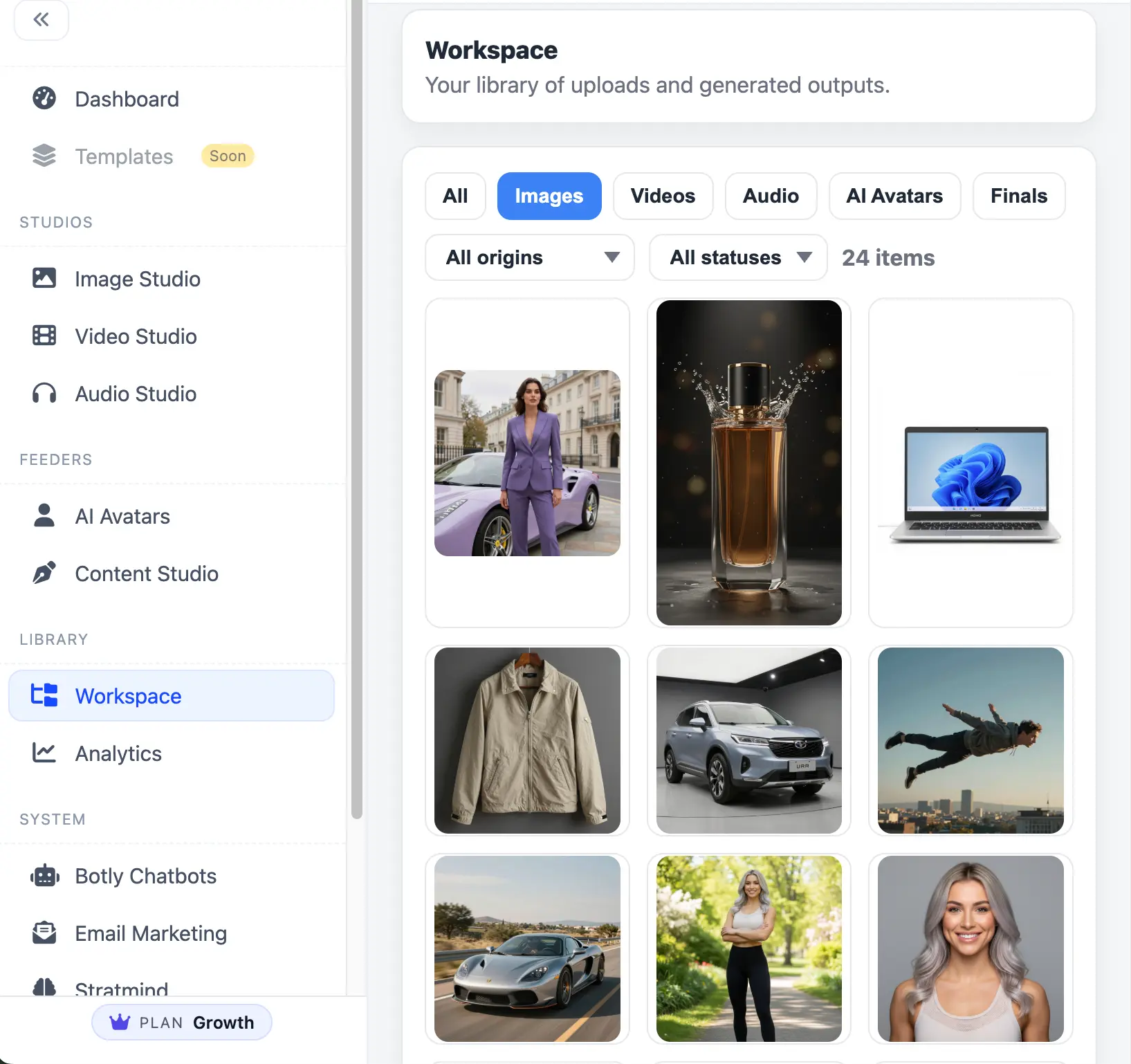
Use image to video as the starting point, then build the next asset with Stratboost's wider creative system.
Start with a product photo, AI image or campaign visual. Generate short-form video, save the result and keep building from it inside Stratboost.

Image to video is the main workflow. These related pages support users who search with photo, animation, ecommerce and product video intent.
Use this when you want to turn a photo into a short AI video for Reels, Shorts, TikTok, ads, websites or product content.
Use this when you want to make a photo move, animate an image or bring a still visual to life with motion.
Use this ecommerce workflow when you want to turn product photos into short product videos, launch clips and paid social ads.