
cd ~/Desktop/stratboost FILE="$(grep -Rl 'stratboost-vs-capcut-for-product-videos' app/templates app/blueprints 2>/dev/null | grep -v '\.bak' | head -1)" if [ -z "$FILE" ]; then echo "Could not find the CapCut comparison template. Run:" echo "grep -RIl 'stratboost-vs-capcut-for-product-videos' app/templates app/blueprints" exit 1 fi echo "Updating: $FILE" cp "$FILE" "$FILE.bak_before_capcut_comparison_cluster_update" cat > "$FILE" <<'HTML' Stratboost vs CapCut for Product Videos, Ads and Ecommerce Creative | Stratboost
Product video comparison

Stratboost vs CapCut for product videos

CapCut is useful when the job is editing. Stratboost is built for the wider product video workflow: turning product photos into videos, creating multiple ad directions, connecting scripts and visuals, and keeping ecommerce creative organised.

Editing vs workflow Product photo to video AI Ecommerce creative Ad testing Image-to-video cluster

Use this page to choose the right starting point: editor, generator, or full product video workflow.

CapCut Editing and finishing
Stratboost Generate, test and reuse
Editor

Polish clips

Best when you already have footage and need trimming, captions, templates or finishing.

Start point

Existing footage or clips

Workflow

Create from assets

Best when you want to generate product videos from images, prompts and campaign ideas.

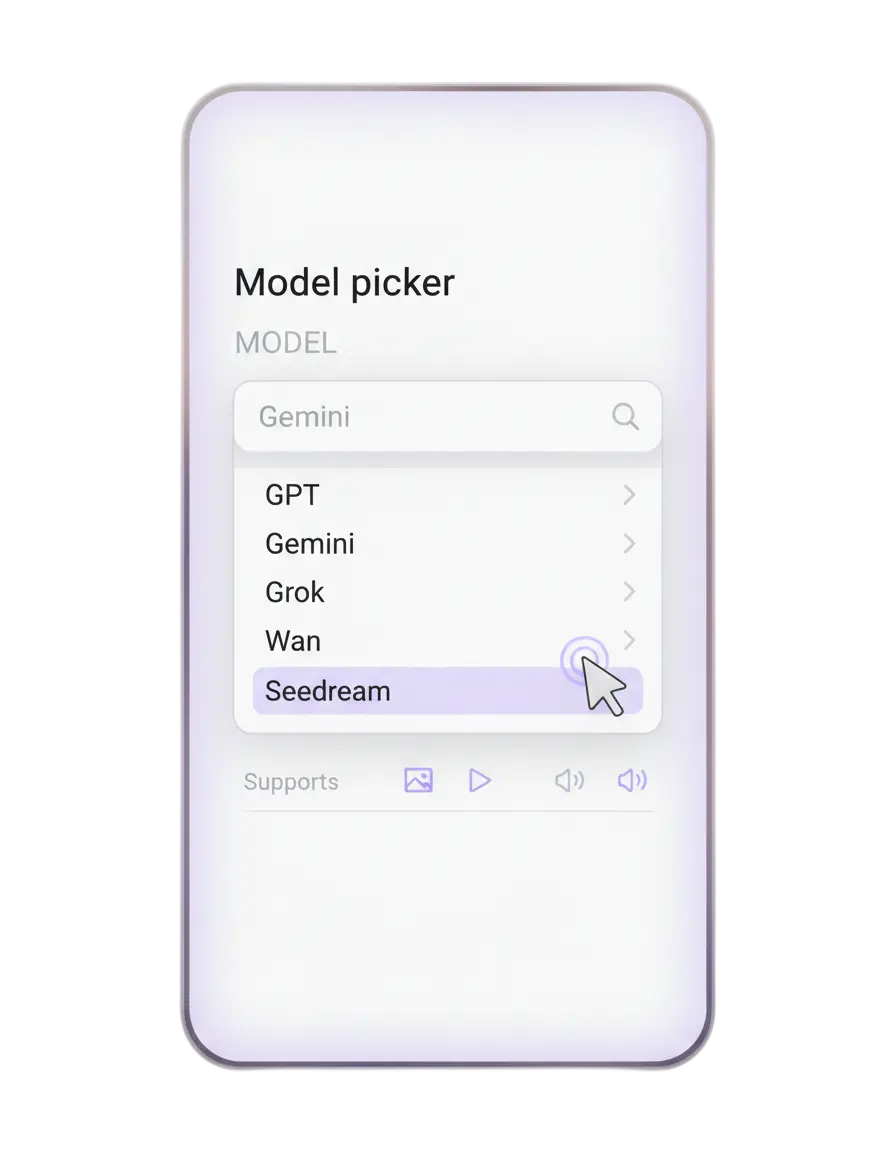
Stratboost model picker and video workflow preview
Core difference

CapCut helps finish clips. Stratboost helps build product video systems.

The right choice depends on whether you need editing only or a broader route from product image to video ad.

The short answer

Choose CapCut when you need an editor. Choose Stratboost when you need a product video workflow.

CapCut can make sense when the production is already done and you need to edit fast. Stratboost makes more sense when you want to turn product photos, AI images, scripts and campaign ideas into reusable creative assets.

CapCut fit

When editing is the job

CapCut is a sensible fit when you already have clips and need trimming, captions, templates, quick styling and fast short-form output.

  • Existing footage is ready
  • The goal is quick polishing
  • The workflow does not need much structure
Stratboost fit

When creative workflow is the job

Stratboost is built for teams that need to create, test and reuse more product video directions from images, scripts, prompts and campaign assets.

  • Product photos need to become videos
  • Ad angles need testing
  • Assets should connect into a wider campaign system
Practical comparison

Where each tool tends to fit

This is not about forcing one answer. It is about matching the tool to the job your ecommerce team actually needs done.

Job to be done CapCut fit Stratboost fit
Quick editing and trimming Strong fit when clips already exist Useful only as part of a wider creation flow
Captions, styling and fast short-form finishing Strong fit for simple publishing speed Useful when connected to campaign assets and workflows
Turning product photos into videos Not the clearest starting point Strong fit through the AI Image to Video Generator
Product photo to video AI workflow Usually requires more manual process around it Strong fit through the Product Photo to Video Ad Workflow
Testing multiple product video directions Useful after clips exist Strong fit for generating and comparing creative directions earlier
Shopify product videos Useful for editing final clips Strong fit for product pages, launch clips, ads, Reels and retargeting via Shopify Product Videos
Connected campaign workflow Less focused on the wider marketing system Strong fit across video, images, SmartPages, email, templates and Workspace
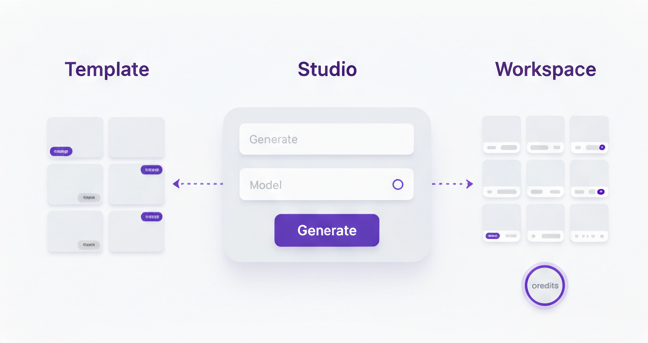
Stratboost product photo to video workflow preview
Workflow advantage

From product image to campaign asset

Product video creation is stronger when the image, video, script, campaign and destination page are connected.

Why the difference matters

Product video work is usually bigger than editing alone

Ecommerce teams often need more than one finished clip. They need more creative inventory, clearer briefs, product photo to video experiments, stronger ad angles and a way to reuse the winners.

Decision guide

Choose based on the workflow you actually need

These rules keep the decision simple and practical.

Choose CapCut if

You mainly need to edit existing clips

Choose CapCut when footage already exists and the work is mostly trimming, captions, style, templates and quick exports.

Choose Stratboost if

You need more product video ideas from assets

Choose Stratboost when your team needs image-to-video, product photo to video AI, short-form directions, reusable workflows and connected campaign assets.

Use both if

You want a bridge workflow

Use Stratboost to generate and organise product video directions, then use CapCut for selected finishing tasks where it still fits your process.

Stratboost system

The stronger play is connecting the video to the campaign

The best product video is not just a file. It should connect to the product page, ad angle, email, SmartPage, launch workflow, retargeting idea and next creative test.

Product image

Start from existing store visuals.

Image to video

Generate motion-led product assets.

Reel or ad

Shape the short-form angle.

Campaign

Connect to pages, email and SmartPage flows.

FAQ

Questions about Stratboost vs CapCut

Clear answers before you choose an editing tool, a generator or a fuller product video workflow.

Is CapCut good for product videos?

Yes. CapCut can be useful when you already have footage or clips and need quick editing, captions, templates, trimming and fast short-form finishing.

When does Stratboost fit better?

Stratboost fits better when the job is broader than editing alone: product photo to video AI, image-to-video, ad testing, workflow structure and reusable campaign assets.

Which is better for product photo to video?

Stratboost is designed around image-to-video and product photo to video workflows. CapCut may still help with finishing, but Stratboost is the clearer starting point for generating from images.

Can I keep using CapCut?

Yes. Some teams can use Stratboost to generate and organise product video directions, then use CapCut for selected editing or finishing tasks.

Connected pages

Use this comparison page as the decision layer, then move into the generator, workflow, Shopify use case and practical guides.

Main generator

AI Image to Video Generator

Turn product photos, AI images and campaign visuals into short videos for ads, product pages and social content.

Solution

AI Video Studio

The broader video creation system for product videos, ads, launch clips, Reels, TikToks and Shorts.

Use case

Shopify Product Videos

How Shopify stores can use product images to create videos for pages, launches, paid ads and retargeting.

Template

Video Ad Brief Template

Clarify the audience, offer, scene, hook and platform before generating product video assets.

Start with a product photo, campaign idea or AI image. Generate video directions, compare the strongest versions and connect the winner into your next product campaign.

Stratboost product video workflow preview

Get practical AI workflow ideas

Short useful ideas on product videos, templates and building repeatable creative systems.

No spam. Unsubscribe anytime.
HTML python -m compileall app >/tmp/compile.log && tail -20 /tmp/compile.log python - <<'PY' from app import create_app app = create_app() with app.test_client() as c: r = c.get("/comparisons/stratboost-vs-capcut-for-product-videos/") html = r.data.decode("utf-8", errors="replace") print("status:", r.status_code) print("has FAQPage:", '"FAQPage"' in html) print("has offers:", '"offers"' in html) print("old PHP subscribe removed:", "form/subscribe.php" not in html) print("has Flask subscribe:", 'action="/subscribe"' in html) print("has image-to-video:", "/ai-image-to-video" in html) print("has solution page:", "/solutions/ai-video-studio/" in html) print("has product workflow:", "/workflows/product-photo-to-video-ad-workflow/" in html) print("has Shopify use case:", "/use-cases/shopify-product-videos/" in html) print("has video brief:", "/templates/video-ad-brief/" in html) print("has guide:", "/blogs/ai-product-video-generator-for-ecommerce-brands/" in html) PY echo "" echo "Local URL:" echo "http://127.0.0.1:5000/comparisons/stratboost-vs-capcut-for-product-videos/"