
Shopify product videos without a messy production process
Shopify brands need more than one polished video. They need launch assets, paid social tests, retargeting creatives, product feature clips, and short form content that can be produced faster without lowering the standard.
Stratboost helps Shopify focused teams move from product photos and campaign angles into more usable video creative with a clearer workflow.

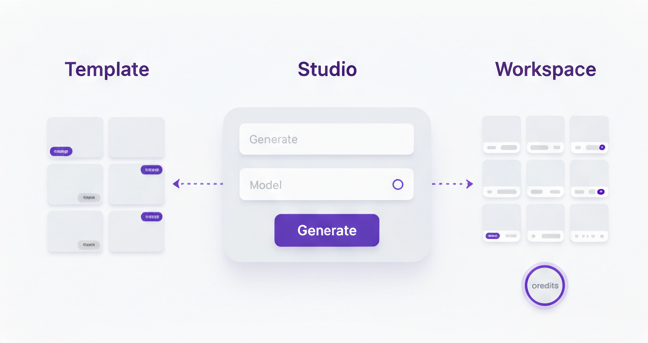
Start from the product
Use product photos, packaging shots, and campaign angles that already exist inside the brand workflow.
Create more video inventory
Build launch videos, paid social creatives, and retargeting assets faster without treating every test like a full production job.
Repeat what performs
Keep the stronger directions, improve the brief, and build a system that gets better as the store grows.
Most stores do not have a video problem. They have a production bottleneck.
A Shopify store might have strong products, strong photography, and strong offers, but still struggle to produce enough useful video creative. The gap is usually not imagination. It is the time, cost, and friction of producing more assets consistently.
That is why a workflow matters more than a one off video.
Launches need motion fast
New products, bundles, and seasonal pushes need more than still images if the brand wants stronger creative coverage.
Paid social needs more variation
One winning asset rarely lasts forever. Shopify brands need more hooks, more looks, and more testable product angles.
Small teams cannot keep rebuilding
Lean ecommerce teams need a way to create more product video output without constantly starting from zero.
A practical Shopify product video workflow
Keep it focused. One product. One angle. One job for the video to do.
Choose the product and the campaign angle
Start with one SKU, one bundle, or one product family. Then define what the creative needs to do, whether that is launching something new, refreshing paid social, pushing an offer, or improving retargeting assets.
Use the images and brand assets you already have
Product photos, pack shots, lifestyle stills, and campaign imagery are often enough to begin. Shopify brands usually already have more raw material than they think.
Write a better brief before you generate
A clearer brief usually means better hooks, better scenes, and less wasted iteration. Use the Video Ad Brief Template to lock the goal, audience, offer, and visual direction before generating.
Generate several first pass directions
Use AI Video Studio to build more than one direction. Shopify creative usually improves when the team compares several angles instead of overthinking one concept too early.
Refine the strongest outputs into real ad candidates
Tighten the strongest concepts around the product, the hook, and the offer. The point is not endless variation. The point is to produce creatives you would actually test.
Use the results to guide the next round
Keep the creative directions that perform, sharpen the brief, and turn the winning pattern into the next starting point for the store.
The best Shopify video workflow is not random
It starts with the product, locks the angle, uses the right source assets, and creates multiple useful directions that can actually be tested inside the wider store growth system.

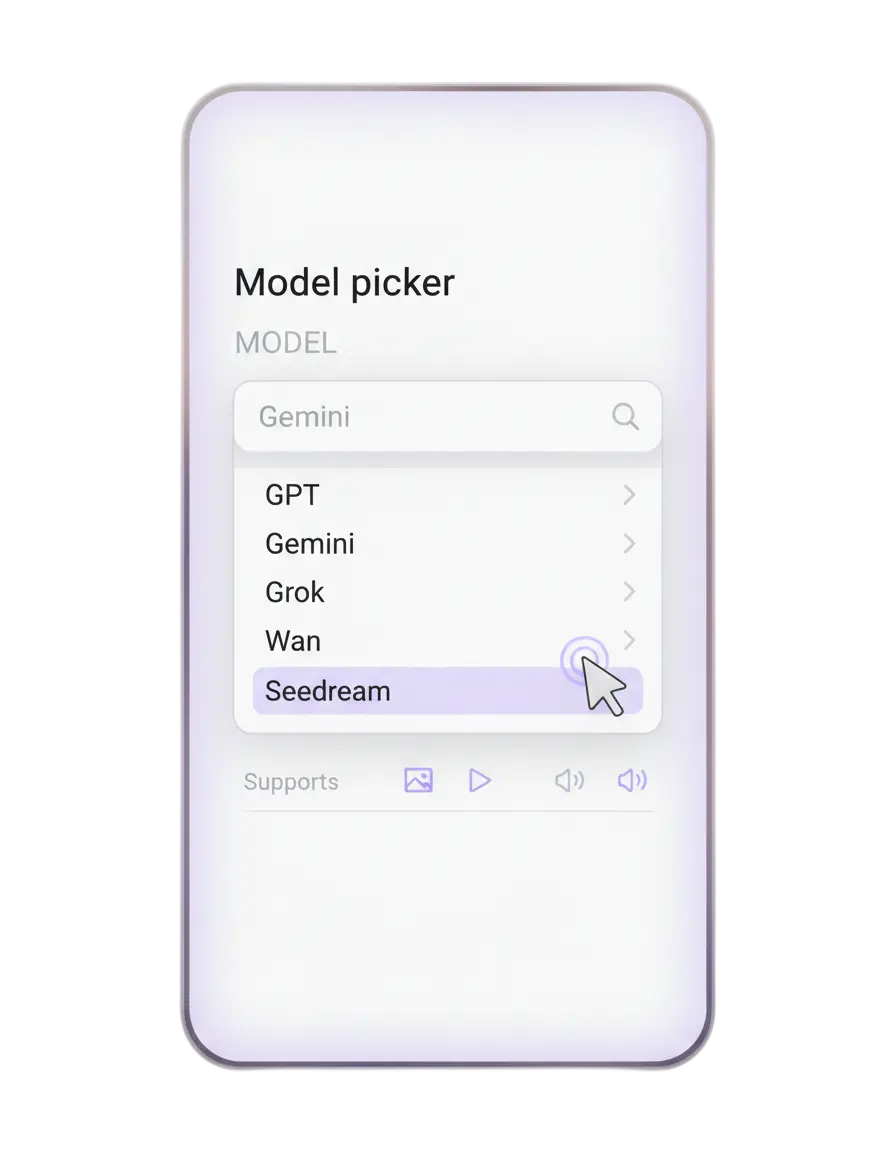
More product videos without more chaos
For most Shopify teams, the need is practical. They want to create more useful video assets while keeping the process easier to manage.
-
More launch assets around new products and offers.
-
More ad variations for Meta, TikTok, Reels, and retargeting.
-
A better way to turn product photography into motion led creative.
-
A repeatable system that improves as the team learns what performs.
Where this is strongest for Shopify stores
This use case is especially relevant when video has a real commercial job to do.
Product launches
Build launch videos around hero products, bundles, and new drops without waiting on a full new edit cycle.
Paid social testing
Create more product led ad directions around the same store offer so the team can test more quickly.
Retargeting creative
Turn older product imagery and campaign material into fresher motion assets for warm audiences.
Collection pages and landing pages
Add motion led product assets that help the store feel more dynamic and conversion focused.
Keep the Shopify use case connected to the Video Studio cluster
These pages take the user from use case into solution, workflow, template, and comparison.
AI Video Studio
The main solution page for product video generation and workflow inside Stratboost.
View solutionProduct Photo to Video Ad Workflow
A step by step workflow for turning product images into video ad creative.
Read workflowVideo Ad Brief Template
Use the brief to lock the goal, angle, and scene direction before generation starts.
Use templateStratboost vs CapCut
A practical comparison for teams deciding between editing and a fuller product video workflow.
Read comparisonBroader guide
For the wider commercial view, read AI Product Video Generator for Ecommerce Brands.
Answers for Shopify teams
Who is this use case best for
It is best for Shopify brands, ecommerce marketers, founders, and agencies managing stores that need more product video creative.
Do I need a large team
No. This workflow is especially useful for lean teams that already have product photos and want to move faster.
Can this help with paid social
Yes. It is a strong fit for paid social because it helps brands create more product led ad directions and variations.
Can this help with launches too
Yes. It is useful for launches, bundles, new drops, and promotional pushes where the brand needs motion quickly.
What should I do before generating
Start with the product, choose the campaign angle, and write a better brief before asking for video outputs.
What is the best next step
Start with AI Video Studio, review the workflow, then create an account when you are ready to test it.
Turn your Shopify product assets into more video creative without rebuilding the process each time
Use a clearer workflow, stronger briefs, and more structured generation to build launch assets, ad tests, and product videos faster.