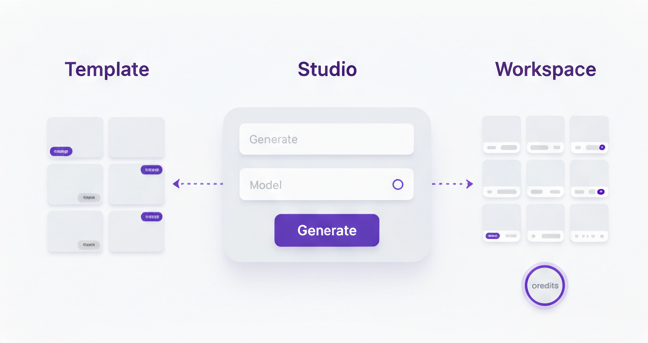
Video ad brief template for product videos, paid social, and ecommerce creative
A good video starts before the first frame. It starts with a clear brief.
This template helps you define the goal, audience, product angle, message, visual direction, and output requirements before you generate or edit anything. That makes the creative process faster and the result more useful.

Clarify the job
Define what the video needs to do before the team starts generating, editing, or reviewing anything.
Improve output quality
Better briefs usually lead to better scenes, better pacing, and more useful product videos.
Make the process repeatable
A consistent brief format helps the team create and review more creative without guessing every time.
Most weak product videos start with weak direction
Teams often jump straight into generation or editing without locking the basics first. The result is vague creative, confused feedback, and too many rounds of unnecessary changes.
A video ad brief fixes that by giving the work a clear goal before production starts.
Clearer hooks
When the angle is defined early, the opening feels more deliberate and more useful for paid social.
Stronger scene direction
The visual style, product focus, and motion direction become easier to judge because the brief sets expectations.
Less wasted iteration
Good briefs cut down on random revisions because the team knows what success should look like from the start.
Video ad brief template
Copy this template and adapt it for product launches, paid social ads, creator briefs, or AI video generation workflows.
Video name:
[Give the ad a simple working name]

Primary goal:
[What should this video do]
Examples: drive clicks, support a product launch, improve thumb stop rate, explain a feature, create retargeting creative

Audience:
[Who this is for]
Examples: new customers, warm retargeting audience, skincare buyers, fashion shoppers, higher intent cart abandoners

Product:
[What product or offer is being featured]

Main angle:
[What is the core idea of the ad]
Examples: hydration, time saving, premium feel, visible result, giftable product, bundle value

Offer or CTA:
[What action should the viewer take]
Examples: shop now, learn more, try the starter set, claim launch pricing

Platform:
[Where the video will be used]
Examples: Meta ads, TikTok, Reels, Shorts, landing page, product page

Format:
[Choose the format]
Examples: 9:16 vertical, 1:1 square, 16:9 landscape

Length:
[Target duration]
Examples: 10 seconds, 15 seconds, 20 seconds, 30 seconds

Source assets:
[What do you already have]
Examples: product photos, packaging shots, lifestyle stills, existing clips, brand colours, logo, reviews

Creative style:
[How should it feel]
Examples: premium, clean, energetic, minimal, clinical, luxury, playful, fast paced

Hook:
[How should the video open]
Examples: pain point first, transformation first, product reveal first, offer first

Key message:
[What should the viewer remember after watching]

Scenes or beats:
1. [Opening visual]
2. [Problem or product moment]
3. [Feature or benefit]
4. [Offer or proof]
5. [CTA]

Visual direction:
[How the product should look on screen]
Examples: close up details, soft studio lighting, clean background, motion around packaging, lifestyle context, premium reflections

Text on screen:
[List the main text lines if needed]

Voiceover or captions:
[Add if relevant]

What to avoid:
[List things that should not happen]
Examples: cluttered scenes, weak product focus, overly generic stock feel, too much text, dark muddy lighting

Success looks like:
[How you will judge whether this creative worked]
Use the brief before you move into generation or editing
This template works best when it sits at the start of the workflow, not halfway through it.
-
Start with the product, offer, and audience.
-
Lock the angle before you ask for scenes or video outputs.
-
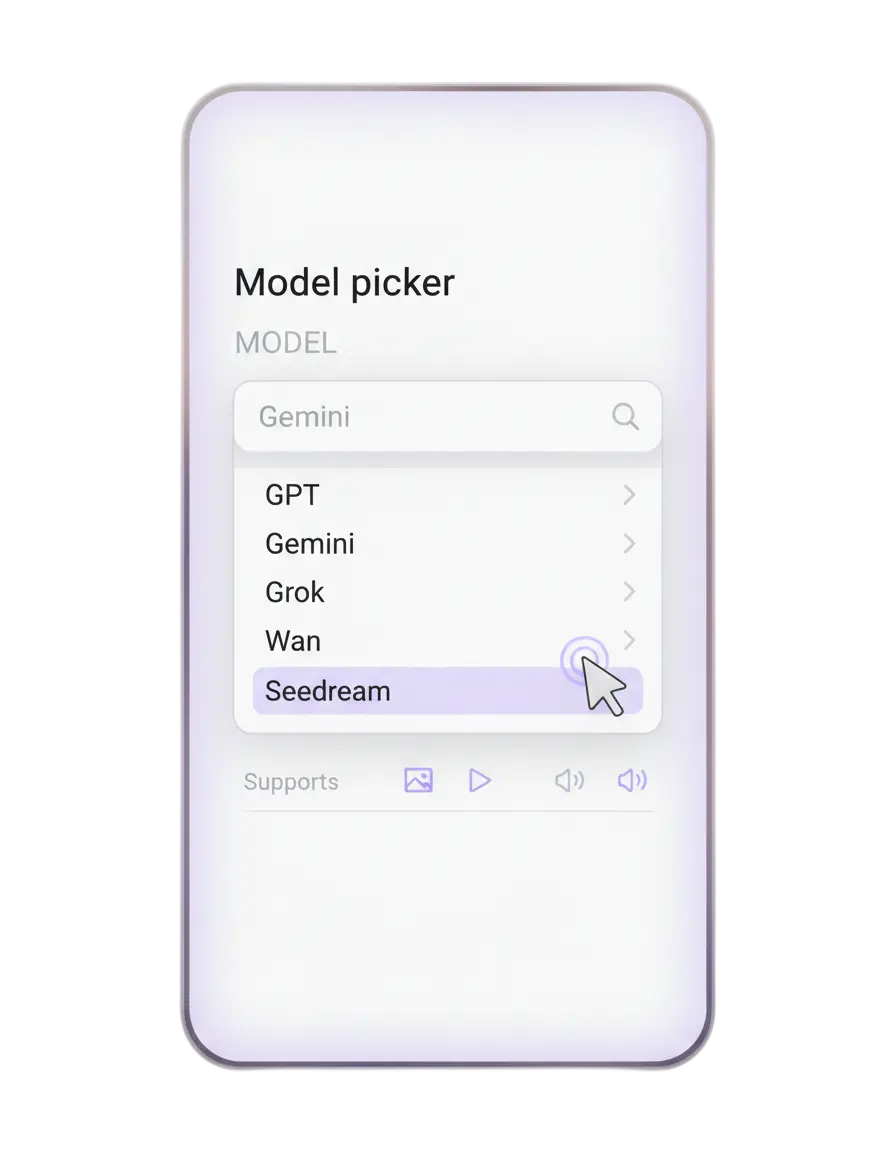
Use the brief inside AI Video Studio so the generation has a clearer target.
-
Reuse the same structure every time so your team builds a repeatable process.
What weak briefs usually get wrong
These are the things that usually lead to vague product videos and messy feedback.
No clear goal
If the team does not know what the video is supposed to achieve, the creative becomes generic.
No audience definition
A product video for cold traffic should not feel the same as a video for warm retargeting.
Too much vagueness
Words like nice, modern, premium, or engaging are not enough unless the brief explains what they mean.
No success criteria
If nobody defines what a strong output looks like, the review process becomes subjective and slow.
Who this template is useful for
It works best when video is part of a bigger marketing job rather than a random one off request.
Ecommerce brands
Especially useful for product launches, paid social testing, and creative teams working with product imagery.
Agencies
Helps standardise briefs across clients so requests are clearer and output is easier to review.
Founders and marketers
Useful when the same person is planning, reviewing, and publishing video creative across the funnel.
Use this template inside the wider Video Studio cluster
These pages help the template connect into the larger workflow and solution structure.
Product Photo to Video Ad Workflow
See how this brief fits into a practical step by step workflow for turning product images into video ads.
Read workflowAI Product Video Generator for Ecommerce Brands
The broader commercial page around AI product videos, image to video, and what brands should look for.
Read articleStratboost vs CapCut for Product Videos
A comparison for teams deciding whether they need a quick editor or a fuller product video workflow.
Read comparisonAnswers before you use the template
What is a video ad brief
A video ad brief is a simple planning structure that defines the goal, audience, message, scenes, and creative direction before production begins.
Do I need one for short ads too
Yes. Short videos still benefit from clear direction, especially when the hook and product angle need to be sharp.
Can I use this with AI video generation
Yes. In fact, AI outputs often improve when the brief is clear because the generation has a better target.
Should I write one brief or several
Start with one core brief, then create variations if you want to test different hooks, audiences, or offers.
Who should fill this in
Usually the marketer, founder, strategist, or creative lead who knows what the video needs to achieve.
What is the best next step after the brief
Move into AI Video Studio, then create an account when you are ready to start generating.
Plan the video properly, then build it with less friction
Use the brief to set direction, then move into Video Studio with a clearer goal, cleaner scenes, and better output.