
Stratboost vs CapCut for product videos
Both can help you make videos. The difference is what job you need the platform to do.
If you mainly want a fast editor with templates, captions, and quick short form finishing, CapCut can make sense. If you want a more connected system for ecommerce product creative, including image to video, text to video, reusable templates, and a wider production workflow, Stratboost is built for a different job.

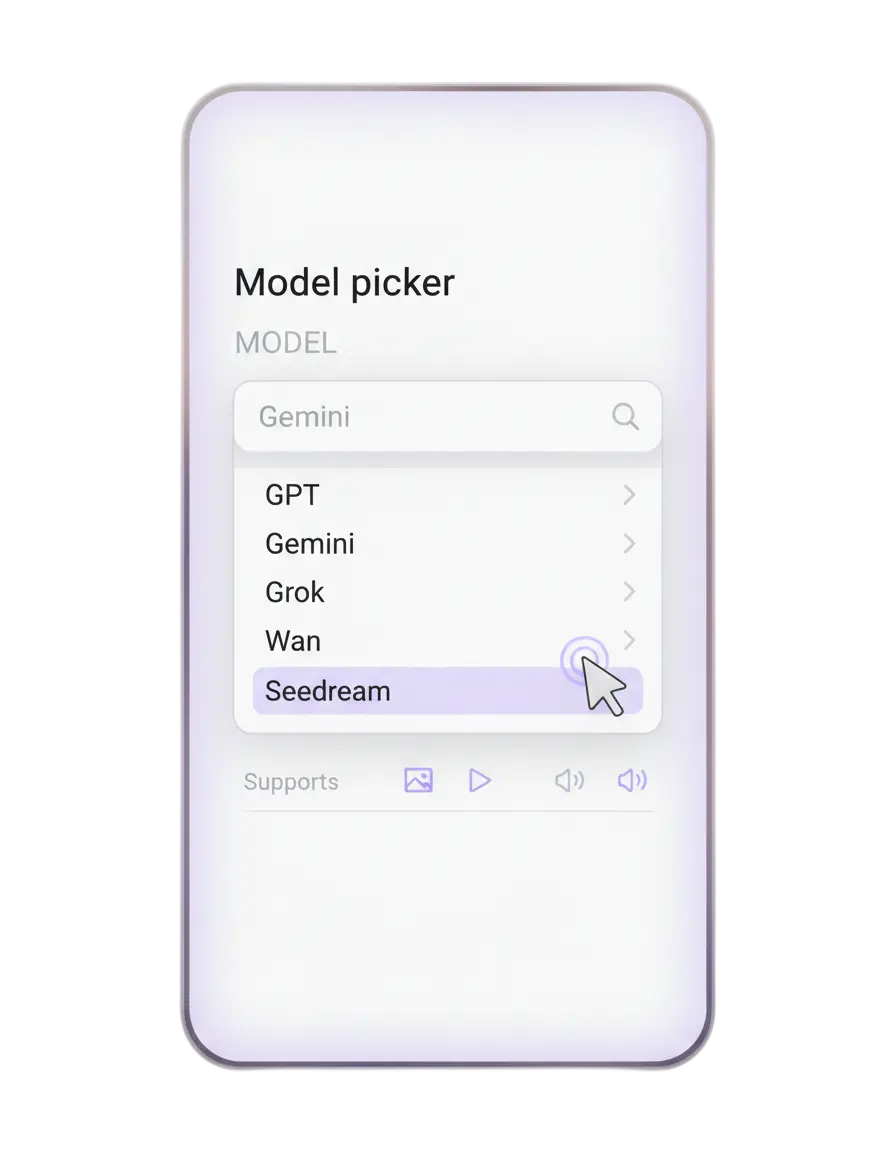
CapCut is strong when editing is the main job
It works well for quick short form editing, templates, captions, and fast polishing.
Stratboost is stronger when workflow matters
It is designed for teams that want structured product video creation rather than a standalone editor.
The choice depends on what you need next
Quick editing and finishing is one job. Building more reusable ecommerce creative is another.
Pick CapCut when you want an editor. Pick Stratboost when you want a product video workflow.
That is the cleanest way to think about it. CapCut can be useful for editing and finishing fast. Stratboost is more useful when the wider process matters, from source asset to concept to video output to reuse.
You already have footage and mainly need to edit, caption, style, and export quickly
That is why CapCut is popular with creators and teams making short form content fast. It is easy to understand and useful when the production layer already happened elsewhere.
You want to generate, test, structure, and reuse more product creative around one workflow
Stratboost is the better fit when your team wants image to video, text to video, model choice, templates, and a more connected system for ecommerce creative production.
Where each one tends to be stronger
This is not about declaring one tool universally better. It is about matching the platform to the job.
| What you need | CapCut | Stratboost |
|---|---|---|
| Quick short form editing | Strong fit | Not the main reason to choose it |
| Templates and fast finishing | Strong fit | Useful, but not the main angle |
| Turning product photos into video concepts | Possible depending on workflow | Stronger fit |
| Structured ecommerce creative workflow | More limited | Stronger fit |
| Testing multiple product video directions | Can help on the editing side | Stronger fit |
| Image to video, text to video, and broader generation flow | Not the core reason most teams choose it | Core use case |
| Keeping creative workflow connected to templates and solution pages | Not the main focus | Core use case |

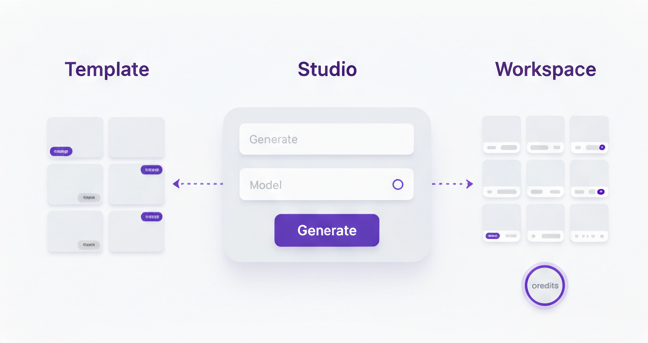
Product video work is usually bigger than editing alone
Ecommerce teams often do not just need one finished video. They need more creative inventory, clearer workflows, more ad angles, and a way to keep building from what already works.
-
Use AI Video Studio when you want the main solution layer.
-
Use AI Video Studio tool when you want the tool specific entry point.
-
Read Product Photo to Video Ad Workflow for a practical step by step example.
-
Read AI Product Video Generator for Ecommerce Brands for the broader strategy behind the workflow.
Choose based on the job, not the noise
These simple rules make the decision easier.
Choose CapCut if
You mostly want to edit existing footage fast, add captions, work from templates, and export short form content quickly.
Choose Stratboost if
You want to generate more product video directions from images, prompts, and structured workflows rather than just polish clips.
Use both if
You want Stratboost for product video generation and workflow, then CapCut for some finishing steps. That can be a sensible bridge during transition.
Answers before you choose
Is CapCut good for product videos
Yes. It can be a good option when you want quick editing, captions, template use, and fast short form output.
What makes Stratboost different
Stratboost is built more around the wider product video workflow, especially for ecommerce teams that want image to video, text to video, structured generation, and a cleaner route from concept to asset.
Which is better for testing more ad angles
Stratboost is usually the better fit when the goal is producing more product video directions and creative variations around a campaign.
Can I keep using CapCut and still use Stratboost
Yes. Many teams can use Stratboost as the generation and workflow layer, then keep CapCut for some editing and finishing tasks where it still fits.
Who should move sooner
Brands that feel stuck between product photos, ad ideas, scattered tools, and repeated manual work will usually benefit more quickly from a workflow led system.
What is the best next step
Start with AI Video Studio, then create an account when you are ready to test your first product video workflow.
Keep the Video Studio cluster connected
These pages help users move from comparison into solution, workflow, and practical reading.
AI Video Studio
The main solution page for teams that want more than just editing and need a fuller product video workflow.
View solutionProduct Photo to Video Ad Workflow
A step by step workflow for turning product images into ad ready creative without rebuilding the whole process by hand.
Read workflowAI Product Video Generator for Ecommerce Brands
The broader commercial guide around product video generation, image to video, and what brands should look for.
Read articleIf you want more than an editor, start building a better product video workflow
Stratboost is built for brands that want more product creative, cleaner testing, and a connected route from source asset to reusable video output.